Table of Contents
Jump to any section.
Why Video Repurposing Is the Highest-ROI Content Strategy in 2026
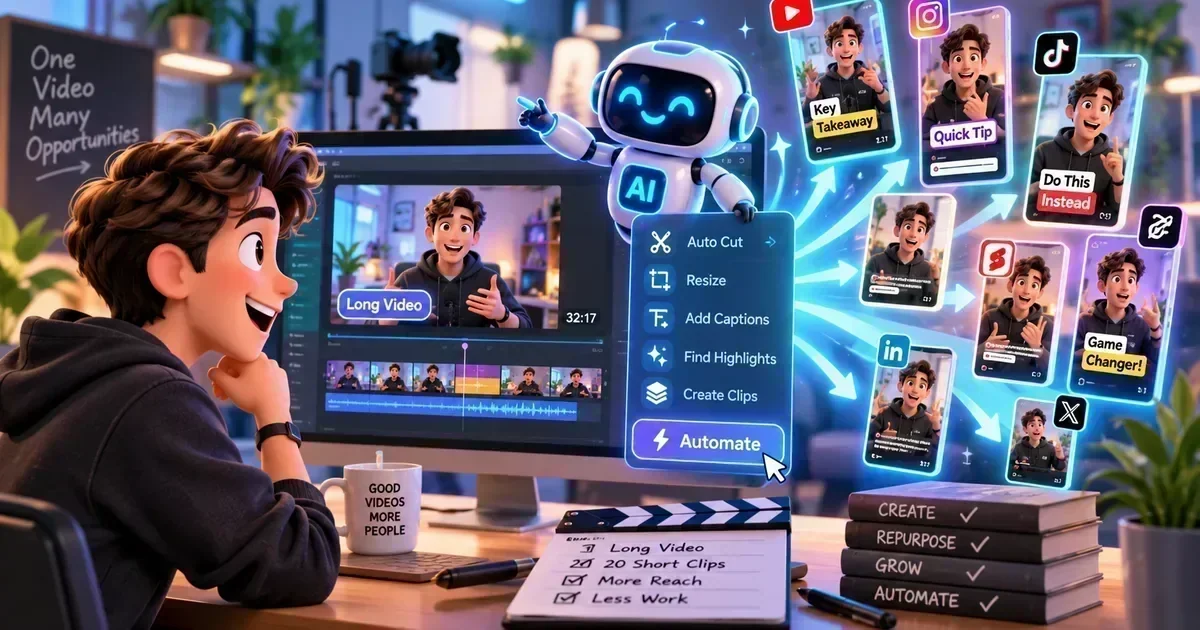
Creating one hour of long-form video content — a YouTube video, a webinar, a podcast recording — and then publishing only that single video is leaving 90% of your content's potential value on the table. AI video repurposing tools extract the best moments, reformat them for short-form platforms (TikTok, Instagram Reels, YouTube Shorts, LinkedIn), and add captions automatically — transforming one video into 15–30 pieces of content in minutes.
The economics are compelling: creating a 60-minute YouTube video might take 8 hours. Repurposing it into 20 short clips with an AI tool takes 20 minutes. Each short clip reaches a different segment of the audience on a different platform — dramatically multiplying your organic reach without proportionally increasing your production effort.
In 2026, short-form video continues to dominate across every major platform. TikTok, Instagram, YouTube, and LinkedIn all prioritise short-form content in their algorithms. The creators and brands that repurpose consistently — posting daily short clips from one weekly long-form recording — have an enormous distribution advantage over those who don't.
🥇 #1Best Value: Vidyo.ai
Vidyo.ai is the best balance of quality, automation, and price in the video repurposing category. Upload any long-form video and Vidyo.ai's AI identifies the most engaging segments — based on energy levels, speech patterns, and topic transitions — and generates short clips automatically with captions, chapter markers, and social-ready formatting.
The platform supports YouTube, Zoom, podcast video, and Google Meet recordings as inputs. Outputs are optimised for 9:16 (TikTok/Reels/Shorts), 1:1 (Instagram/LinkedIn), and 16:9 (YouTube) in a single workflow. The auto-caption feature supports 35+ languages. At a free plan (1 hour of video/month) and $29/month for the Pro plan (10 hours), Vidyo.ai offers the most accessible professional-grade repurposing workflow available.
Best For
YouTubers, podcasters, course creators
Starting Price
Free / $29/month
Rating
4.3 / 5
Key Feature
Auto clip generation + multi-format export
Browse more AI Video Editing Tools reviews on AIToolsBox.
🥈 #2Best Clip Quality: OpusClip
OpusClip leads the category in clip selection intelligence. Its Virality Score predicts which moments from a video are most likely to go viral based on engagement patterns from millions of successful short clips — not just audio energy or speech boundaries. The result: the clips OpusClip selects tend to be significantly more engaging than those selected by other tools.
AI B-Roll integration is unique to OpusClip — it automatically sources relevant stock footage from Pexels and Pixabay to supplement talking-head content, making clips more visually dynamic. The AI Curation workflow can process a 1-hour video into 10 ranked, captioned, ready-to-post clips in under 3 minutes. At $19/month for 200 minutes, it's competitive with Vidyo.ai.
Best For
Creators optimising for virality and engagement
Starting Price
Free / $19/month
Rating
4.4 / 5
Key Feature
Virality Score + AI B-Roll
3Best Editing Control: Descript
Descript takes a different approach: instead of fully automated clip generation, it gives you granular control via transcript-based editing. Read through the auto-generated transcript, highlight the sections you want as clips, and Descript exports them in the right format. This requires more manual input but produces more intentional, higher-quality clips.
For creators who want to control exactly what gets clipped — and who are happy to spend 15–30 minutes reviewing content vs. 2 minutes with a fully automated tool — Descript's output quality is superior. The built-in AI tools (Studio Sound, filler word removal, Overdub voice cloning) also add production quality that automated tools can't match.
Best For
Quality-focused creators, editorial control
Starting Price
Free / $24/month
Rating
4.5 / 5
Key Feature
Transcript-based editing for precision clips
4Best Free Option: CapCut
CapCut is the most widely used free video editing tool in the world, and its AI features have expanded significantly in 2026. The auto-caption feature is best-in-class for accuracy. The Smart Trim feature identifies and removes filler words and dead air. Templates designed for TikTok, Reels, and Shorts are built in and updated continuously.
CapCut lacks the automated clip selection of Vidyo.ai or OpusClip — you still need to manually identify which segments to clip. But for creators comfortable with basic editing who want the most powerful free tool available, CapCut's AI features are unmatched at zero cost.
Best For
Budget creators, manual editing preference
Starting Price
Free ✅
Rating
4.4 / 5
Key Feature
Best-in-class free captions + templates
Side-by-Side Comparison
| Tool | Auto Clip Selection | Auto Captions | Multi-Format | AI Editing | Price | Rating |
|---|---|---|---|---|---|---|
| Vidyo.ai | ✅ AI auto | ✅ 35+ langs | ✅ All formats | ⚡ Basic | Free / $29 | 4.3 |
| OpusClip | ✅ Best (Virality) | ✅ Yes | ✅ Yes | ✅ AI B-Roll | Free / $19 | 4.4 |
| Descript | ❌ Manual | ✅ Yes | ✅ Yes | ✅ Best | Free / $24 | 4.5 |
| CapCut | ❌ Manual | ✅ Best free | ✅ Yes | ⚡ Templates | Free ✅ | 4.4 |
Frequently Asked Questions
What is AI video repurposing?
AI video repurposing is the process of automatically identifying and extracting the most engaging segments from long-form videos (YouTube videos, webinars, podcasts, interviews) and converting them into short-form clips formatted for TikTok, Instagram Reels, YouTube Shorts, and LinkedIn — with captions added automatically. Tools like Vidyo.ai and OpusClip do this automatically in minutes.
Vidyo.ai vs OpusClip: which is better?
OpusClip wins on clip selection quality (Virality Score) and unique features (AI B-Roll). Vidyo.ai wins on multi-language support (35+ languages) and is better for non-English content creators. Both are excellent — try the free plans of each and see which clip selection resonates with your style.
Can I repurpose podcast audio into video clips?
Yes — Vidyo.ai and OpusClip both accept audio-only or audio+video podcast recordings. They add audiogram-style visuals or waveform animations to make audio clips visually engaging for social media. For podcasters recording video with Riverside.fm, video repurposing tools work seamlessly on the exported video files.
Key Takeaways
- Best value automation: Vidyo.ai — free plan available, best multi-language support, fully automated clip generation.
- Best clip quality: OpusClip — Virality Score selects the most engaging moments, AI B-Roll adds visual variety.
- Best editing control: Descript — transcript-based editing for creators who want precision over automation.
- Best free option: CapCut — most powerful free editing tools with AI captions and templates.
- One video = 10–20 clips: Any 30–60 minute long-form video can be repurposed into weeks of short-form content.
Bottom Line
Video repurposing is the highest-ROI content multiplier available in 2026. Recording one long-form video and repurposing it into 20 short clips with AI tools is the difference between publishing once a week and publishing daily — without increasing production effort. Start with the free plans of Vidyo.ai and OpusClip, find which clips get the best engagement, and scale from there. The creators who repurpose consistently dominate their niches.
Editorial Note
This article was produced by the AIToolsBox editorial team. We test tools independently. Last updated: June 2026.
Explore More AI Tools by Category